

Events
Take your event to an audience far bigger than the room
Whether it is a 200-seat conference or a stadium show, CastNest broadcasts it in high definition, sells the tickets and scales to whatever crowd turns up.
The problems worth solving first
Hybrid is the default now. The people in the room are only part of the audience, and the online half expects the same production quality — without the buffering.
Unpredictable audience size
Registrations tell you very little about who actually shows up. CastNest scales automatically, so a surprise surge is a good problem rather than a broken stream.
Selling access
Pay-per-view ticketing is built in, so you sell seats to the online audience without wiring up a separate commerce stack.
Sponsor visibility
Overlay sponsor logos on the player and insert their spots between sessions, with reporting to help demonstrate their visibility.
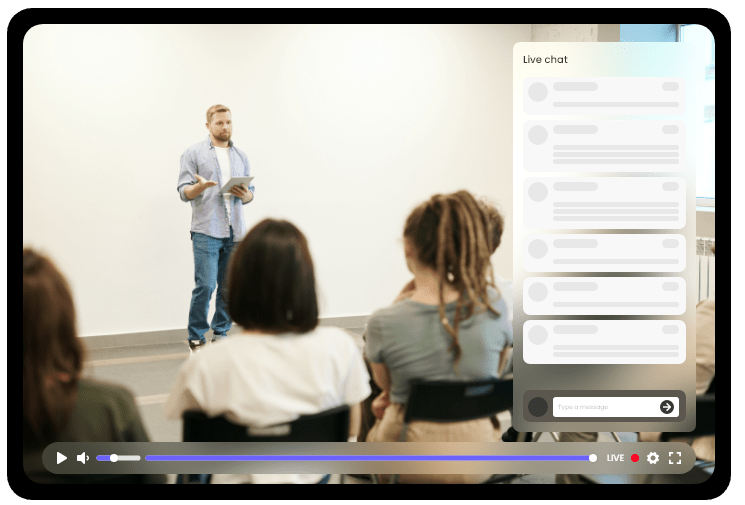
What you get for live events
Pay-per-view ticketing
Sell access to a single event with automatic entry on payment.
Multistream the keynote
Push the main stage to YouTube, LinkedIn and Facebook at once to pull in a wider audience.
Branded event player
Your colors, your logo, your sponsors — no platform watermark.
Instant on-demand replay
Sessions are archived as they finish so ticket holders can catch up the same day.
Multi-track streaming
Run parallel session tracks as separate channels under one event.
Audience analytics
Report attendance, watch time and drop-off per session back to speakers and sponsors.
Frequently asked questions
How many people can watch a CastNest event stream?
There is no hard viewer cap — delivery scales elastically across our CDN. What you plan against is player bandwidth: your plan's monthly allowance runs from 200 GB on Starter to 10 TB on Events. The bitrate calculator will size this for your audience, and for very large events tell us in advance so we can pre-warm capacity.
Can I charge for tickets to a virtual event?
Yes. The paywall is included from the Premium plan upwards: set a price, publish the event page, and buyers get automatic access when the stream starts. You connect your own payment account and receive the money directly.
Can I run multiple sessions at the same time?
Yes. Each parallel track uses one of your plan's stream slots, so the number of simultaneous tracks matches your slot allowance — 2 on Starter and Growth, 5 on Premium, 10 on Studio and 15 on Events.
Related solutions
Sports Streaming
Low-latency delivery, territory controls that respect your rights deals, and pay-per-view built for match days.
Video for Marketing
Fast, ad-free, fully branded embeds that keep visitors on your landing page instead of sending them off into a recommendation feed.
Enterprise
Internal broadcasts, training libraries and customer-facing streams on one platform, with the access controls, uptime commitments and support that large organizations need.
Get ready for your next broadcast
Start a 7-day free trial on Starter, connect your destinations and go live. No card required to begin.