

Prerecorded
A channel that runs when you are not there
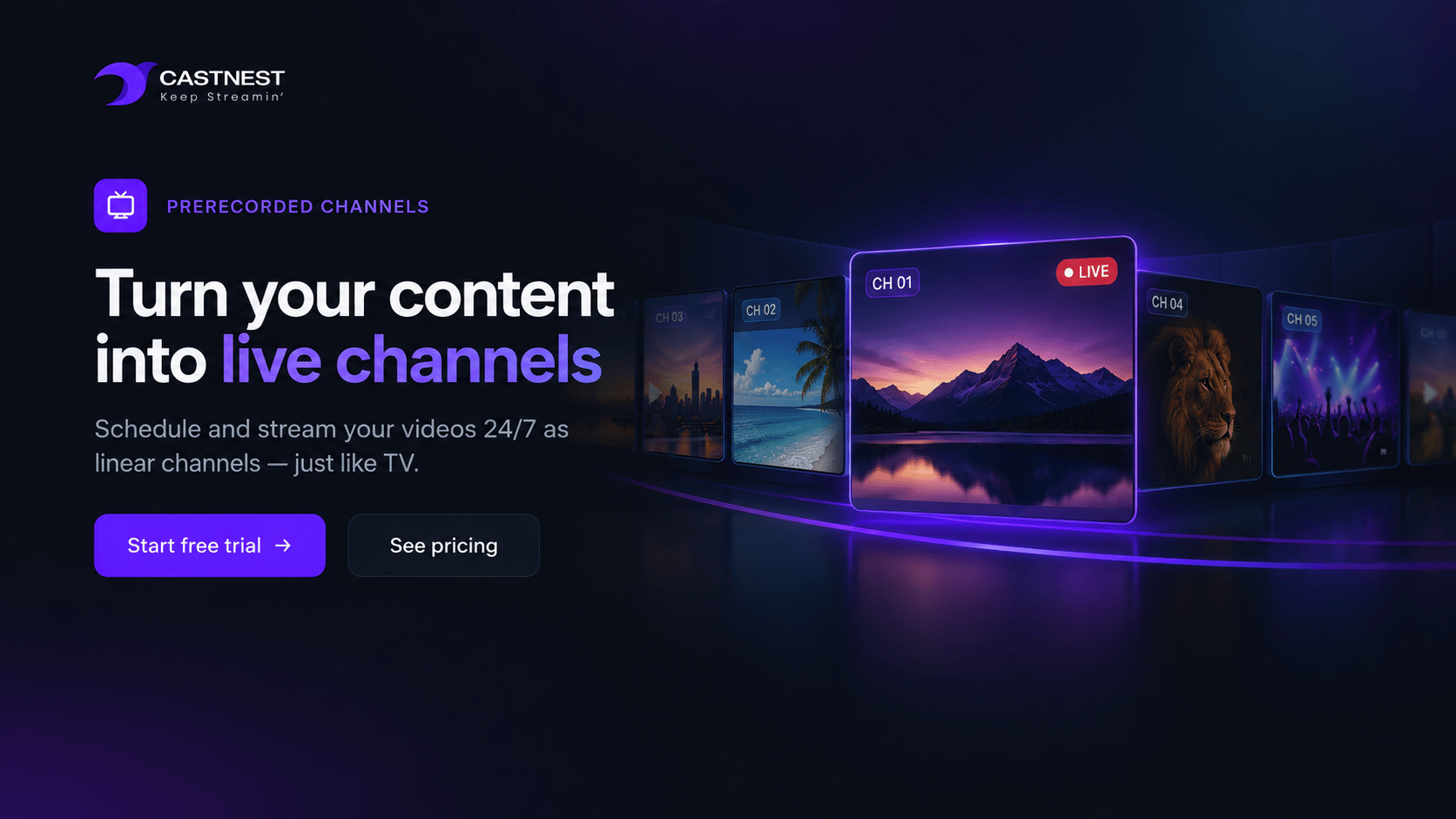
Point a stream slot at files instead of a camera and it broadcasts on a schedule — looping through your program around the clock, with nobody in the room.
At a glance
- At least one prerecorded channel on every plan
- Up to 3 channels on Studio and Events
- Infinite looping from Premium
- Files up to 240 minutes on Premium and above
What prerecorded channels gives you
Not every broadcast needs someone at a desk. A prerecorded channel takes finished video from your library and plays it out as a live stream, which means a channel that keeps running between your real broadcasts rather than going dark.
Slots you can reallocate
Stream slots are not fixed to live use. Point one at a prerecorded channel and back at a camera when you need it, without changing plans.
Continuous looping
From the Premium plan a channel loops indefinitely, so a program runs around the clock without anyone restarting it.
Multiple files per channel
Build a program from several files rather than one long export — 2 per channel on the entry plans, 10 on Premium and 15 on Studio and Events.
Long-form friendly
Individual files run up to 60 minutes on Starter, 120 on Growth, and 240 minutes on Premium and above, which covers a feature-length service or lecture.
Distributed like any stream
A prerecorded channel is a live stream as far as the rest of the platform is concerned — it multistreams to your destinations and appears on your Nest.
Measured like any stream
Viewer counts, watch time and geography are reported exactly as they are for a live broadcast, so you can see whether the overnight loop earns its place.
Frequently asked questions
Common questions about prerecorded channels on CastNest.
What is a prerecorded channel?
A stream slot that plays finished video files instead of taking a live feed. To a viewer it looks like a live broadcast: it runs on a schedule, appears on your Nest, and can be multistreamed to social platforms exactly as a live stream is.
How many can I run?
Every plan includes at least one. Starter and Growth allow one channel, Premium two, and Studio and Events three. These come out of your overall stream slot allowance, which is reallocatable between live and prerecorded use.
Can it loop around the clock?
Infinite looping is included from the Premium plan upwards, which is what makes a genuine 24/7 channel possible. On Starter and Growth a channel plays through its files rather than looping indefinitely.
How long can each file be?
Up to 60 minutes on Starter, 120 minutes on Growth, and 240 minutes on Premium, Studio and Events. Premium allows 10 files per channel and Studio and Events allow 15, so a full program can be assembled from parts.
Who uses this?
Broadcasters running a linear channel between live shows, churches replaying a service through the week for other time zones, educators looping a course, and venues running an information channel on a screen on site.
Works well with
Live Streaming
Push one RTMP or SRT feed to CastNest and we transcode, secure and deliver it to every viewer on every device — with no streaming infrastructure for you to manage.
Video Nest
Video Nest is a branded video site that CastNest builds around your content — on your own domain, in your own colors, with the pages, categories and series you choose.
Video Hosting
Upload once and CastNest transcodes, stores and streams your library from a global CDN — with your branding on the player and none of the distractions of a public video site.
Get ready for your next broadcast
Start a 7-day free trial on Starter, connect your destinations and go live. No card required to begin.