

Education
Lectures, lessons and campus events — streamed securely
Broadcast live teaching, archive it into a searchable library, and keep access restricted to your students.
The problems worth solving first
Teaching video carries real access obligations. Students need reliable playback on whatever device they own, and the institution needs certainty that a lecture is not circulating publicly.
Access must be controlled
Domain locking and signed URLs keep recordings inside your VLE rather than loose on the open web.
Every device, every connection
Adaptive streaming means a student on a phone over patchy mobile data still gets a watchable lecture.
Accessibility requirements
Caption tracks and a keyboard-accessible player help you meet accessibility obligations rather than work around them.
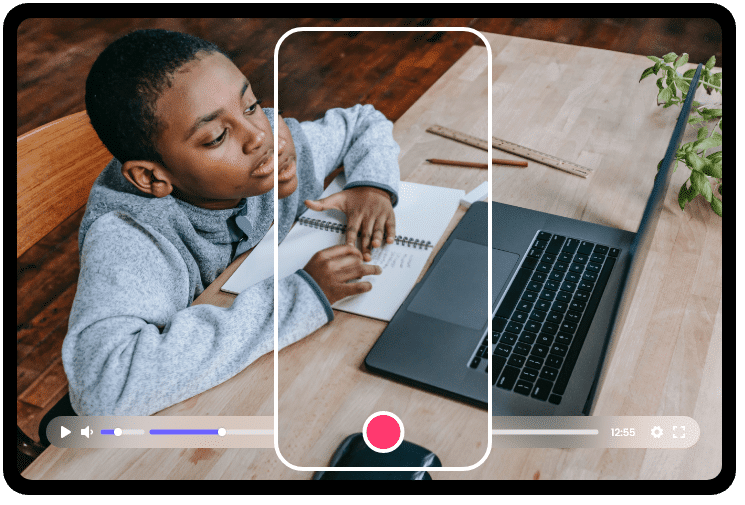
What you get for education
Live lecture streaming
Broadcast teaching in real time with automatic recording for later review.
Secure course library
Organize recordings by course, module and term in a structured library.
VLE embedding
Embed into Moodle, Canvas, Blackboard or any platform that accepts HTML.
Captions and transcripts
Attach caption tracks for accessibility and better comprehension.
Domain-locked access
Restrict playback to your institution's domains and approved systems.
Attendance insight
See who watched, for how long and where they stopped.
Frequently asked questions
Can we restrict lecture recordings to enrolled students?
Yes. Domain allowlisting restricts playback to your VLE or intranet, and secure expiring tokens can be issued per student session. Both are included from the Premium plan upwards, and together they keep recordings inside the institution.
Does CastNest integrate with our VLE?
CastNest embeds work in any system that accepts an HTML embed, which includes Moodle, Canvas and Blackboard. For deeper integration the video API — included from Premium upwards — lets you create and manage assets programmatically.
Can we add captions to recorded lectures?
Yes. WebVTT caption files can be attached to any video in multiple languages, and the player renders them with standard accessibility controls.
Related solutions
Churches and Worship
Stream your service to your own website, Facebook and YouTube simultaneously — set up once, and it runs the same way every week.
Enterprise
Internal broadcasts, training libraries and customer-facing streams on one platform, with the access controls, uptime commitments and support that large organizations need.
Fitness Streaming
Run live classes, build an on-demand library and charge a monthly membership — all under your own brand rather than someone else's app.
Get ready for your next broadcast
Start a 7-day free trial on Starter, connect your destinations and go live. No card required to begin.