

Video Nest
Every stream needs somewhere to live
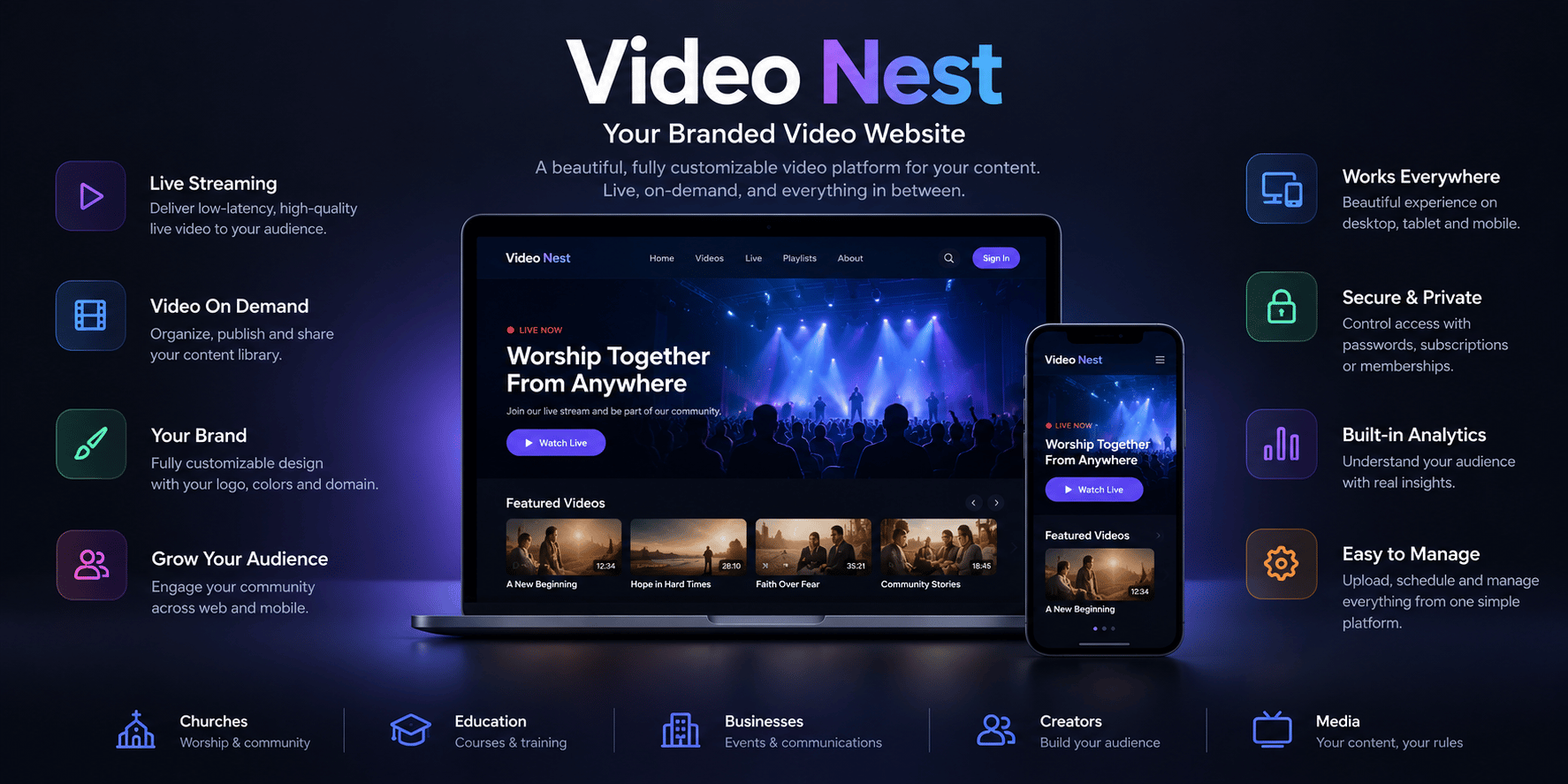
Video Nest is a branded video site that CastNest builds around your content — on your own domain, in your own colors, with the pages, categories and series you choose.
At a glance
- Included on every plan, at every tier
- Seven themes covering broadcast, corporate, education and worship
- Custom domain with automatic SSL from Premium
- Per-page SEO metadata and an indexing switch
What video nest gives you
Streaming to social platforms reaches people where they already are, but it leaves you renting the relationship. Video Nest is the other half: a site you own, where the catalog is yours, the branding is yours and the audience arrives at your address rather than someone else's feed.
Seven ready-made themes
Classic grid, corporate, educational, faith, Netflix-style in dark or light, and a YouTube-style layout. Pick the one that suits your audience and it applies across the whole Nest.
Your own domain, with SSL
Publish on a CastNest channel URL, or point your own domain at it. Certificates are provisioned and renewed for you, and the dashboard shows verification status while DNS propagates.
Categories and series
Group content into categories with their own icon and description, and into series with poster and thumbnail artwork — so a season of talks or a course reads as one body of work.
Custom pages and navigation
Add pages such as About, Contact or Schedule, publish them when ready, and choose whether each appears in the header, the footer or neither. Navigation items are yours to order.
SEO you control
Set the title, description and share image for the Nest and for each page individually, and decide whether search engines may index it at all.
An action button that converts
Add a call to action with your own label and link — Donate, Enroll, Buy tickets — and optionally overlay it on the player itself, where attention already is.
Frequently asked questions
Common questions about video nest on CastNest.
What exactly is a Nest?
It is your own video website, generated from the content in your CastNest account. Live streams, recordings and uploads appear on it automatically, organized into the categories and series you define, under a theme and branding you choose. Every plan includes one.
Can I use my own domain?
Yes. Every Nest gets a CastNest channel URL immediately, and custom domains are available from the Premium plan upwards. You point a DNS record at us, and the SSL certificate is provisioned and renewed automatically — the dashboard shows verification status while it completes.
Which themes are available?
Seven: classic grid, corporate, educational, faith, Netflix-style dark, Netflix-style light, and a YouTube-style layout. They change the whole Nest rather than a single page, so switching is one setting rather than a rebuild.
Can search engines find my Nest?
That is your choice. Each Nest has its own SEO title, description and share image, and each custom page can override them. An indexing switch controls whether search engines are allowed to list the Nest at all, so an internal or members-only channel can stay unlisted.
How is a Nest different from just embedding videos on my site?
Embeds put a player on a page you already maintain, and that remains fully supported. A Nest is the whole destination — navigation, categories, series, custom pages and a catalog that updates itself as you publish, with no site to build or maintain.
What does the action button do?
It is a single call to action with a label and link you set — Donate, Enroll, Buy tickets, or anything else. It appears on your Nest, and can optionally be overlaid on the player itself so the prompt sits where the viewer is already looking.
Works well with
Video Hosting
Upload once and CastNest transcodes, stores and streams your library from a global CDN — with your branding on the player and none of the distractions of a public video site.
Video Monetization
Charge for a single event, sell a monthly subscription, or run ads against your library — CastNest supports all three, and you keep the customer relationship.
Live Streaming
Push one RTMP or SRT feed to CastNest and we transcode, secure and deliver it to every viewer on every device — with no streaming infrastructure for you to manage.
Get ready for your next broadcast
Start a 7-day free trial on Starter, connect your destinations and go live. No card required to begin.