

Live Streaming
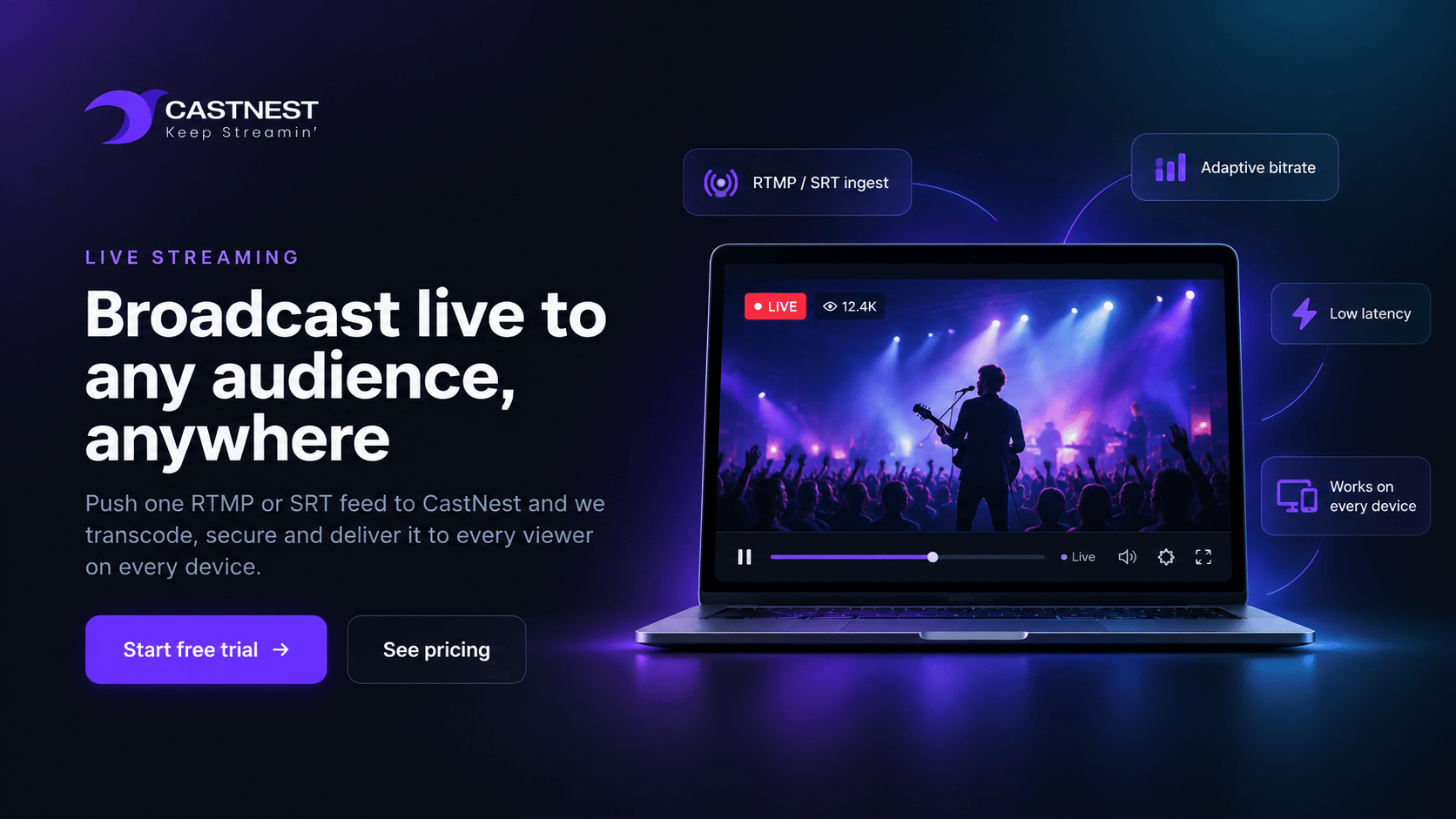
Broadcast live to any audience, anywhere
Push one RTMP or SRT feed to CastNest and we transcode, secure and deliver it to every viewer on every device — with no streaming infrastructure for you to manage.
At a glance
- RTMP and RTMPS push on every plan; SRT and pull ingest from Growth
- Up to 4K broadcast resolution
- Adaptive bitrate transcoding from Premium, with included live hours
- Failover ingest and low-latency playback on Studio and Events
What live streaming gives you
CastNest handles the hard parts of broadcasting so you can focus on the show. Ingest once over RTMP, RTMPS or SRT, and our encoders build a full adaptive bitrate ladder that adjusts in real time to each viewer's connection.
Adaptive bitrate transcoding
Adaptive bitrate transcoding creates multiple quality levels so playback can adjust to each viewer's connection. Available from Premium, with included live transcoding hours.
Low-latency delivery
Choose standard HLS for maximum reach, or low-latency mode for interactive broadcasts where a few seconds genuinely matter.
Flexible ingest
Connect OBS, vMix, Wirecast, Streamlabs, hardware encoders or an IP camera. If it speaks RTMP or SRT, it works with CastNest.
Automatic recording
Every broadcast is recorded to your VOD library the moment it ends, ready to trim, embed or republish without a re-upload.
Backup ingest points
Redundant ingest endpoints keep the broadcast alive if your primary connection drops mid-stream.
Embed anywhere
Drop a single embed snippet into WordPress, Webflow, Shopify or your own app and the player just works.
Pull ingest and SRT
As well as pushing to us, CastNest can pull from a remote RTMP or HLS source, and SRT keeps a feed intact across an unreliable link. Included from the Growth plan.
Format normalization
H.265 sources are converted to H.264 for compatibility, interlaced footage is deinterlaced, and multi-language audio can be split into selectable tracks.
Keep the source file
Download the original recording rather than a re-encode, so a broadcast can be edited properly afterwards. Included on Studio and Events.
Direct HLS URL access
Take the raw HLS playlist URL and hand it to your own player, an app, or a partner's system instead of using our embed. Studio and Events.
Rewind while live
Viewers can scrub back through a broadcast already in progress rather than only joining at the live edge. Included from Premium.
Frequently asked questions
Common questions about live streaming on CastNest.
What software do I need to stream to CastNest?
Any encoder that outputs RTMP or SRT will work. Most customers use OBS Studio, which is free, but vMix, Wirecast, Streamlabs and hardware encoders from Teradek, Blackmagic and Osprey are all fully supported. You copy the stream URL and stream key from your CastNest dashboard into the encoder and press start.
How much latency should I expect?
Standard HLS delivery runs between 10 and 30 seconds depending on your encoder settings. Low-latency mode brings that down to roughly 3 to 5 seconds, which is enough for live Q&A, auctions and interactive shows.
Can I stream 24/7 without interruption?
Yes. CastNest plans allow continuous streaming with no duration cap, and automatic reconnect keeps a channel alive through short encoder or network interruptions.
Do viewers need an account to watch?
No. Streams play in any modern browser with no plugin, app or login. If you want to restrict access you can add password protection, domain allowlisting or geo-blocking from the security settings.
Works well with
Multistreaming
Send a single feed from your encoder and CastNest fans it out to every social platform and custom RTMP endpoint you connect — without sending a separate upload from your encoder for each destination.
Video CDN
Your stream is served from the edge location closest to each viewer, so a broadcast from London plays as cleanly in Sydney as it does in Manchester.
HTML5 Video Player
Set the colors, add your logo, choose the controls, and embed it anywhere. Viewers see your brand, not ours.
Get ready for your next broadcast
Start a 7-day free trial on Starter, connect your destinations and go live. No card required to begin.